
Check any Apple device. In seconds.

From one IMEI or serial number, for iPhone, iPad and Mac.
Pictured: a 96 Check result for an iPad Pro 11-inch (4th generation) Wi-Fi 256GB Space Gray. Clear: nothing stands in the way of setting this iPad up.
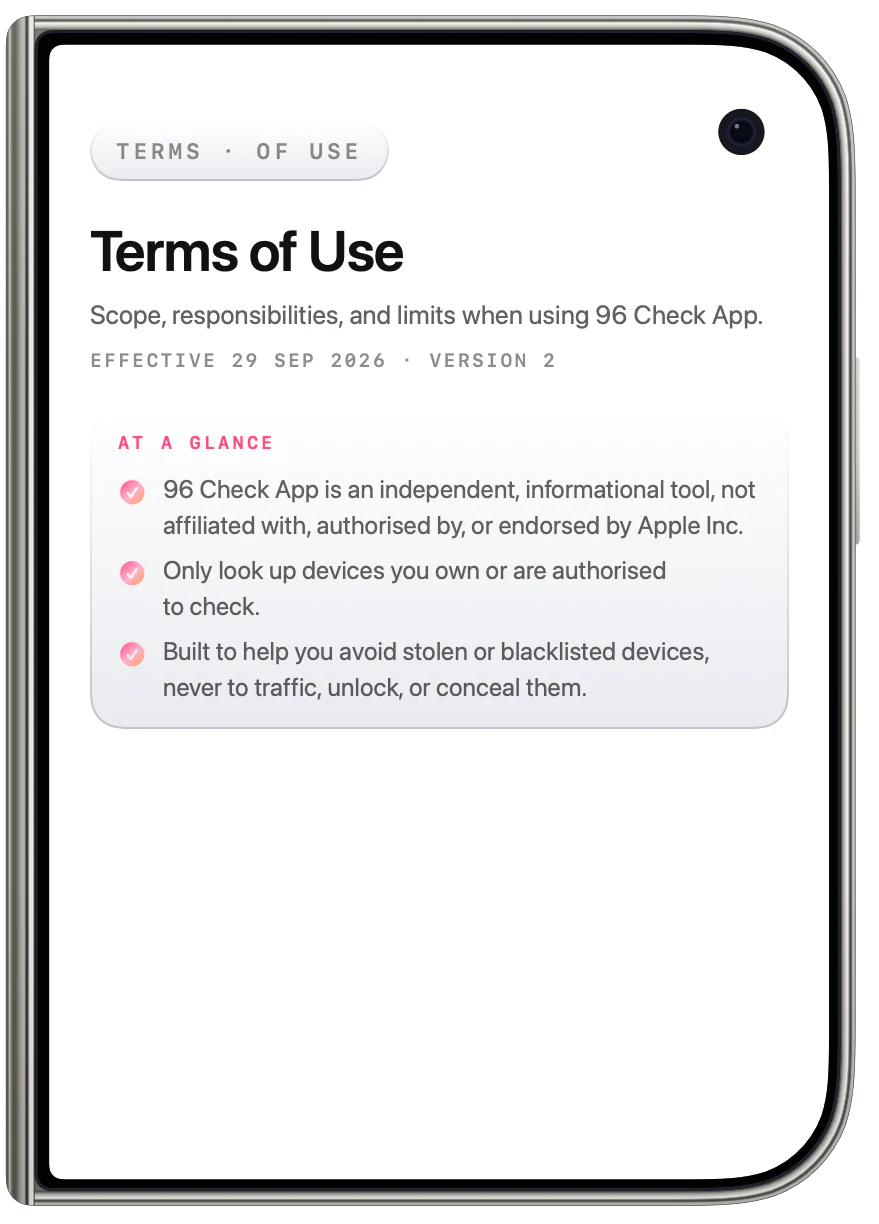
Private by design
Your history stays on your phone.

No account, no sign-up, no third-party analytics.
Read the Terms of Use and the Privacy Policy.
Pictured: an iPhone Duo opening on the Terms of Use and the Privacy Policy, each at a glance.
Free to start
Start with a free report.

Type the IMEI or scan it with your camera. No sign-up needed.
Some lookups are paid, as one-time in-app purchases through the App Store.
Pictured: the 96 Check screen with an IMEI entered, the Free Report chosen, buttons to scan with the camera or a photo, and the Check button.
Locks and blacklist
If something’s off, you’ll know.

Any lock or flag, shown plain and clear.
Pictured: a 96 Check result for an iPhone 13 128GB Midnight. Needs attention: Activation Lock is on, so the Apple Account signed in to Find My can lock or erase it remotely.
iPhone · iPad · Mac
Every lock, checked.

Find My, iCloud lock, Lost Mode and device management.
Pictured: a 96 Check result for a MacBook Pro 14-inch M3 Pro Space Black. Locked: MDM is on, so an organisation manages this Mac and can lock, erase or restrict it remotely.
Tap any row
Every answer, explained.

Tap any row to see what it means and what to do next.
Pictured: the explanation for Activation Lock, which is on: what it means, and what to do next.
Before you erase
A heads-up before you erase.

What to do, whether the account is yours or not.
Pictured: Activation Lock is on. A heads-up before erasing, with what to do if it is your account and if it is someone else’s.
Share
Good news, ready to share.

A tidy report card you can send to anyone.
Pictured: a 96 Check report card for an iPhone 14 Pro 256GB Deep Purple. Clear, with its key checks, the IMEI and a QR code.
All this. And so much more!
Locks, blacklist and warranty, plus scans, history and a report to share.
- Find My
- iCloud lock
- Lost Mode
- Device management
- Carrier lock
- Blacklist
- Warranty
- Camera scan
- Photo scan
- Shareable report
- Check history
- Free report to start
A note from us
Thank you for being here.

Every check you run makes 96 Check better. If we missed something, please tell us. Your feedback is exactly what we need.
Pictured: the 96 Check app icon.
 Scan with your
iPhone camera






Swipe up, or press the down arrow, for the next screen. The up arrow goes back.